
Limitless Membership opens Nov 6 · final opening of 2026 --d --h --m --s
Limitless Potential Send me the free guide
Be part of the change that you want to see. On the left, smokestacks, power lines and a fenced crowd under centralized control. On the right, a home workshop with a coil generator, abundance, independence and clean energy.

Live Q&A

Ask your build questions on live calls and get answers straight from the bench.

Hands-on tutorials

Pulse motors, coils and switching circuits built step by step on real hardware.

Design files

Drawings, STEP files and PCB layouts from the lab, released for your own builds.

Builders worldwide

A community of inventors and engineers testing ideas side by side.

Drawing → CAD → Machined part

Every build starts as a blueprint.

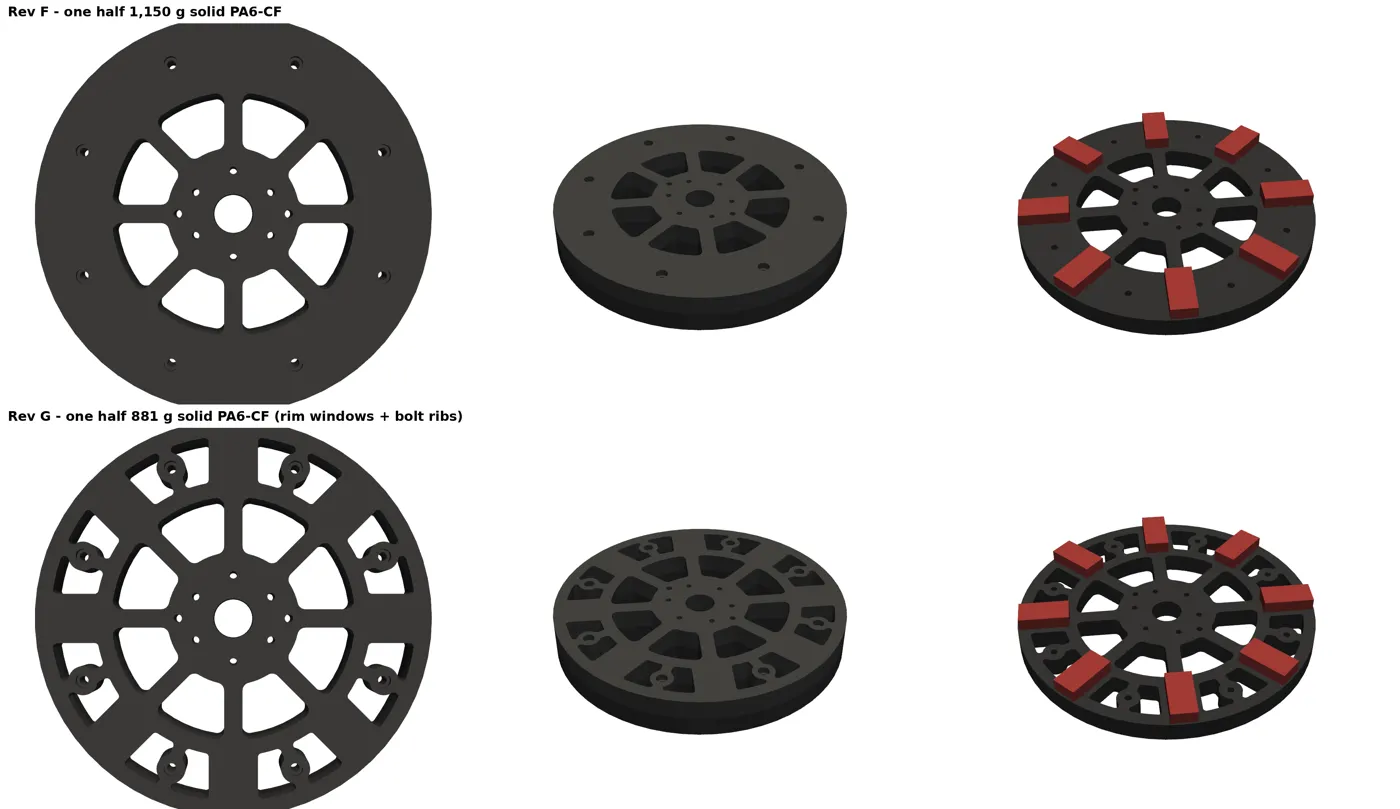
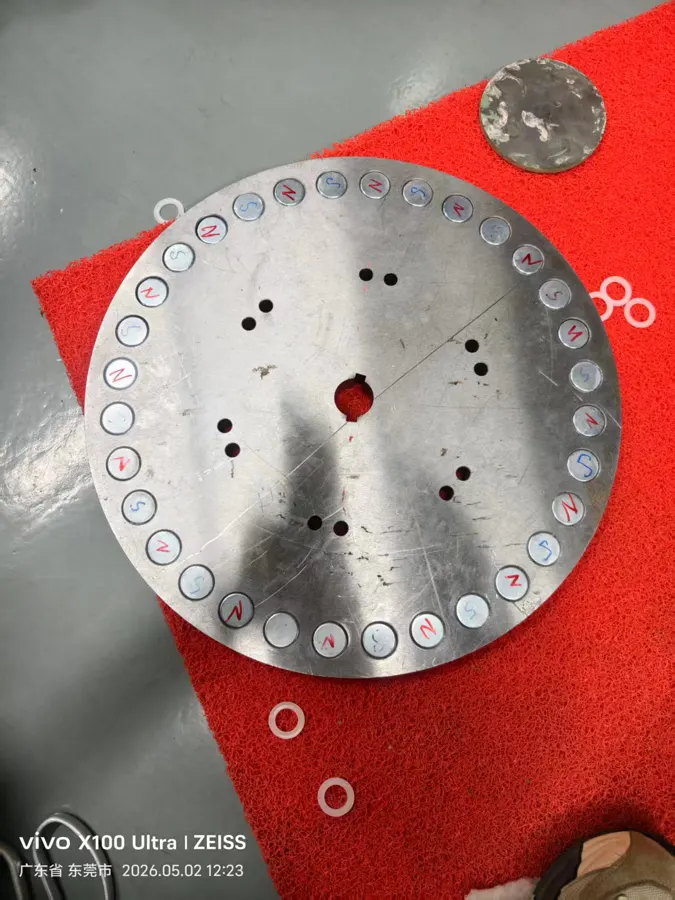
This is the generator rotor, from the drawing sheet to the CAD revision to the plate on the bench. The guide walks you through the same steps for your own parts.

Main rotor V5.0 top-view drawing with bolt circles and magnet pockets
01
Main Rotor V5.0Top view and hole table, scale 1:2

CAD renders comparing rotor revision F and revision G, with magnets fitted
02
Rotor Rev F vs Rev GPA6-CF halves, magnets placed in CAD
The machined steel rotor plate with magnet pockets, on the workbench
03
Machined and in handPockets cut, ready for magnets
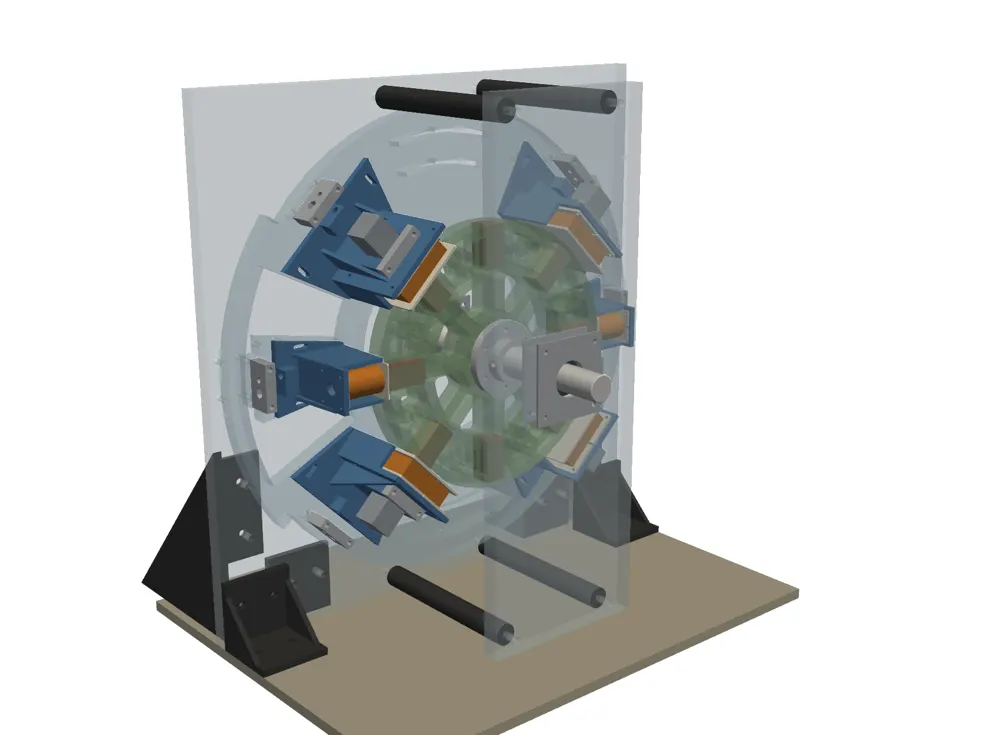
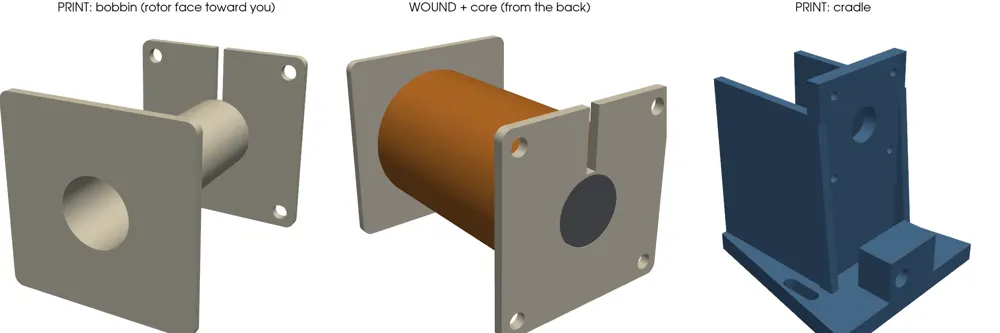
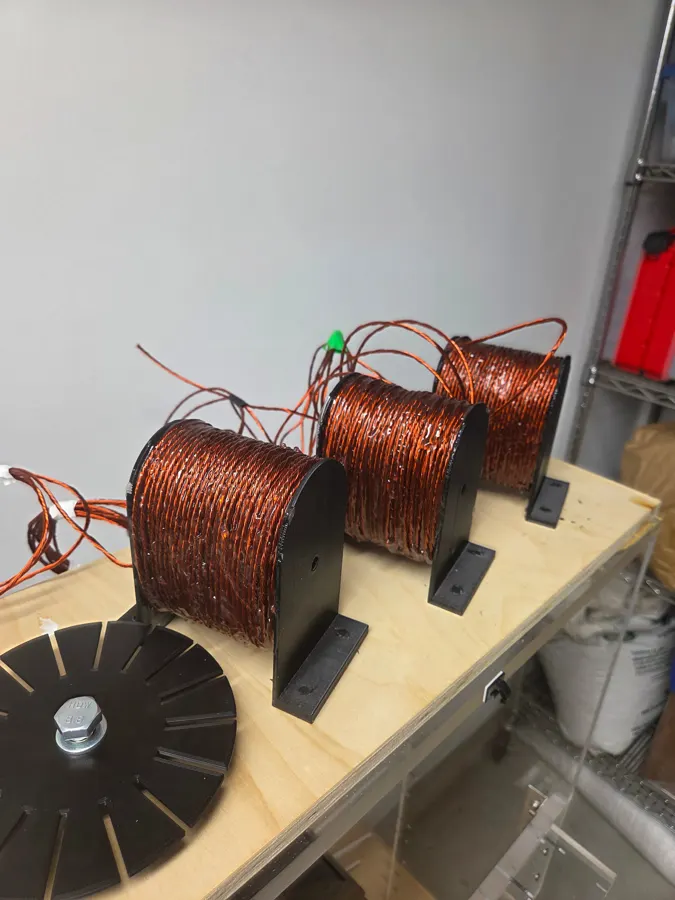
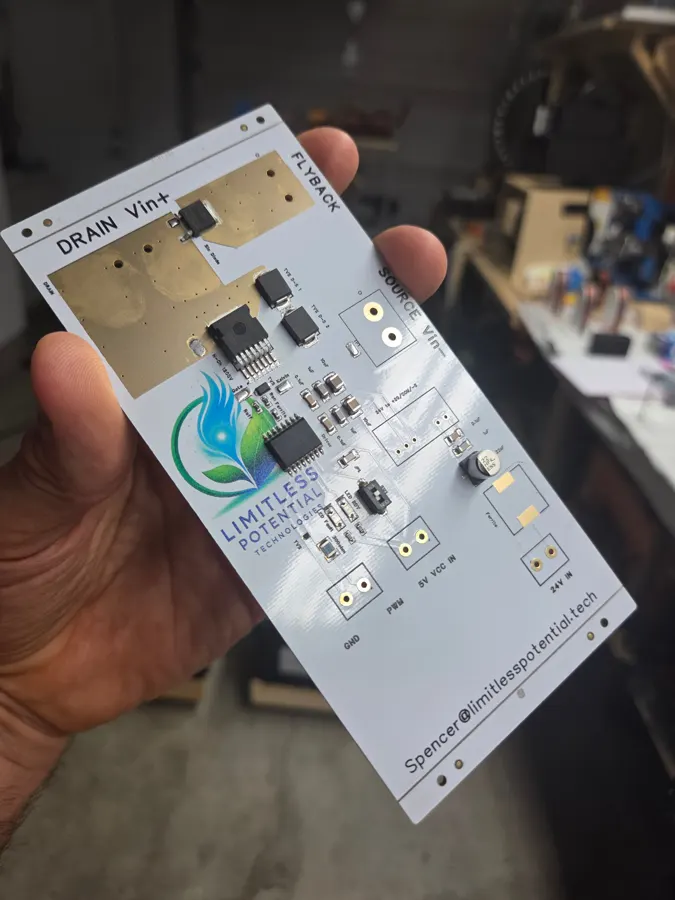
Adams motor v3.2 acrylic frame CAD render Printed bobbin, wound coil and cradle CAD renders Wound copper coils on printed holders Limitless Potential pulse driver PCB held in hand

What's inside the guide

Six steps from idea to manufactured part.

  1. Know your process and materials first. 3D printing, CNC or laser and waterjet, and what each one can and can't do.
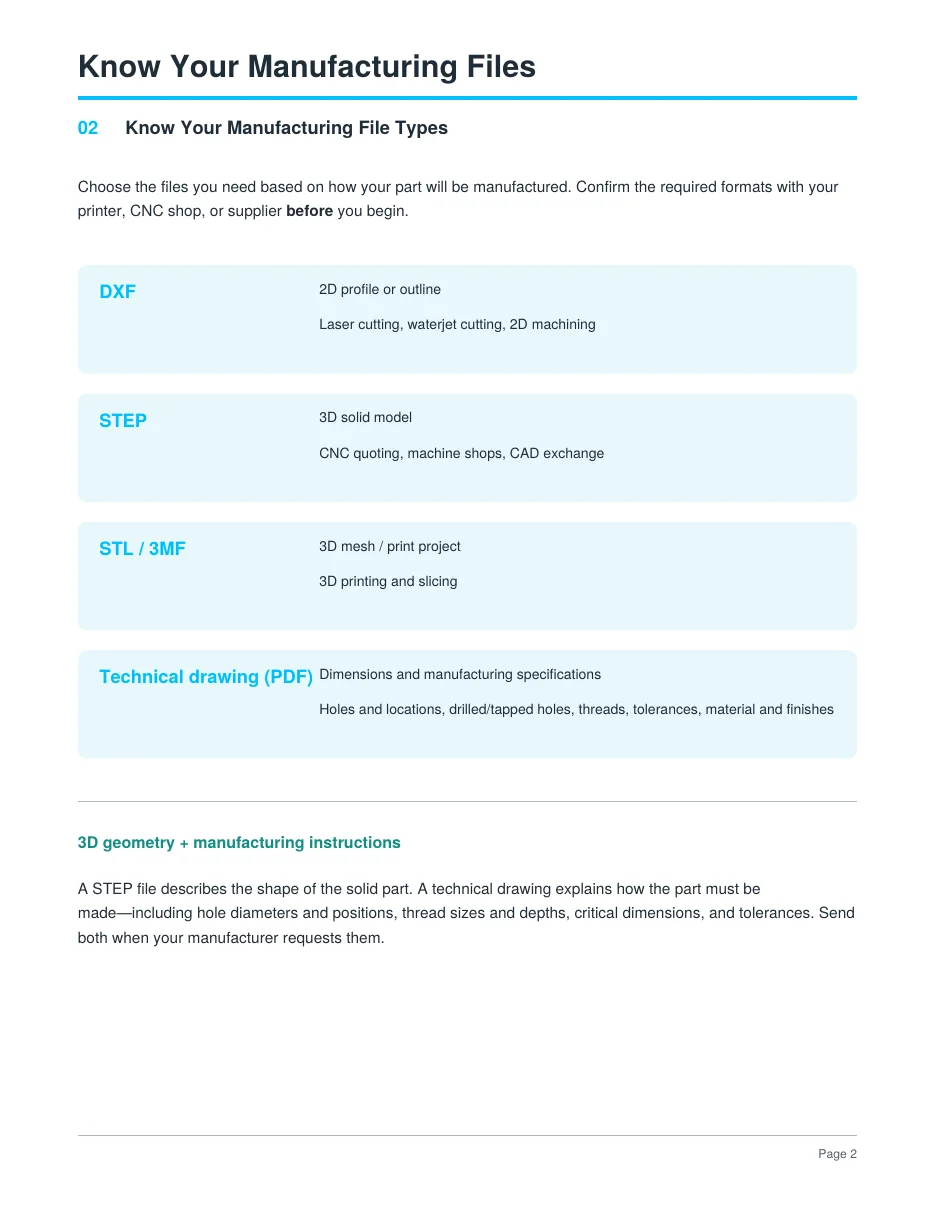
  2. Know your manufacturing files. When to send DXF, STEP, STL/3MF or a technical drawing.
  3. Get an AI design partner. Describe a part in plain words and get real geometry back.
  4. Set up a viewer feedback loop. Inspect, measure and fix the model in minutes.
  5. Check your design before manufacturing. Catch the mistakes that cost you a second order.
  6. Make technical drawings your shop can quote. Holes, threads, tolerances and finishes.
Send me the free guide

Is this guide for you?

Made for people who build.

It's for you if

  • You have a part in your head and want it in your hands
  • You 3D print, or want to order CNC or laser-cut parts
  • CAD software has always slowed you down
  • You'd rather build and test than just read theory

It's not for you if

  • You want theory with no building
  • You expect AI to finish the job without you checking it

Why I do this

One goal: spread free energy to the people.

That's the whole mission. The membership is where we build, test and replicate it together, out in the open. When it's proven and replicated, the full instructions PDF goes out free to this list first.

Send me the free guide

Limitless Membership

Doors open only a few times a year. Next: Nov 6–10.

The membership opens three to four times a year, for a few days at a time. November 6 to 10 is the final opening of 2026. When it closes, the next chance to join is in the new year.

Opens Fri Nov 6Closes Tue Nov 10500+ members inside
Send me the free guide

Doors open in

--Days
--Hours
--Minutes
--Seconds

Everyone on the email list gets the doors-open email first.

Spencer Frame

Hi, I'm Spencer Frame. I have a degree in electrical engineering and a background in physics and the trades. I run Limitless Potential Technologies, a Canadian hardware company, and I build hands-on: PCBs, CNC parts, magnets. Releasing free energy to the people has been my only goal since I was a kid. We're making it happen, and we will never stop.
500K+followers across all platforms
134KInstagram followers
82KYouTube subscribers
9,000+on the email list
500+members building