

01
Main Rotor V5.0Top view and hole table, scale 1:2


Free 12-page PDF · AI + CAD Design Guide
A free guide from my shop, built on real work with PCBs, CNC, magnets, machines and apparatus. It's the workflow I use for my projects, builds, 3D prints and machine shop files.
Join 9,000+ builders on the list.
Free. No spam. Unsubscribe anytime.
Drawing → CAD → Machined part
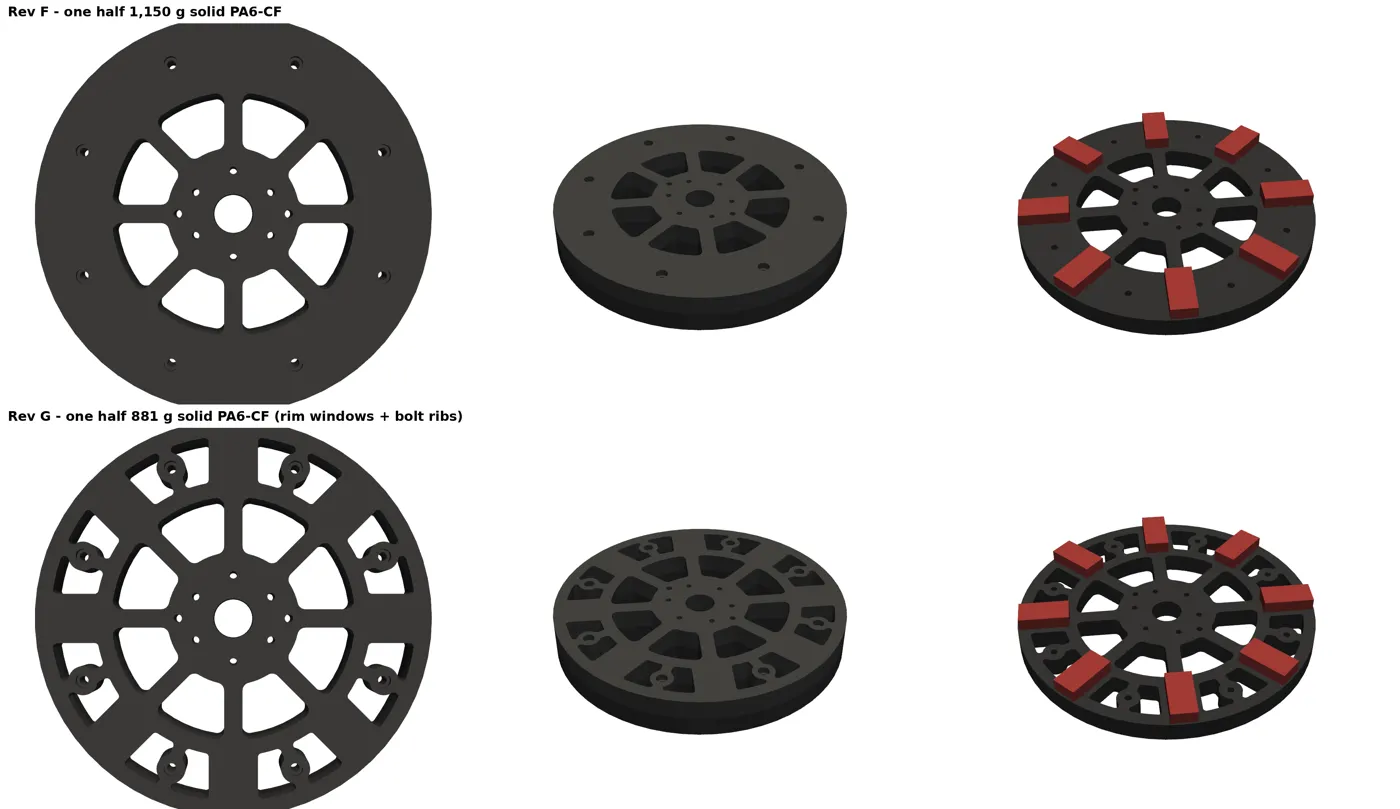
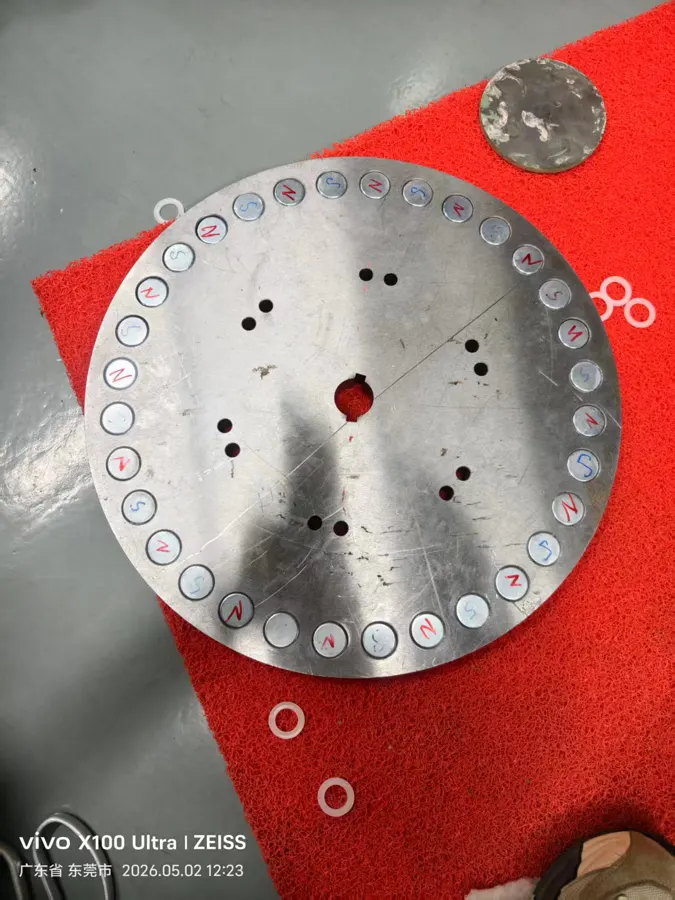
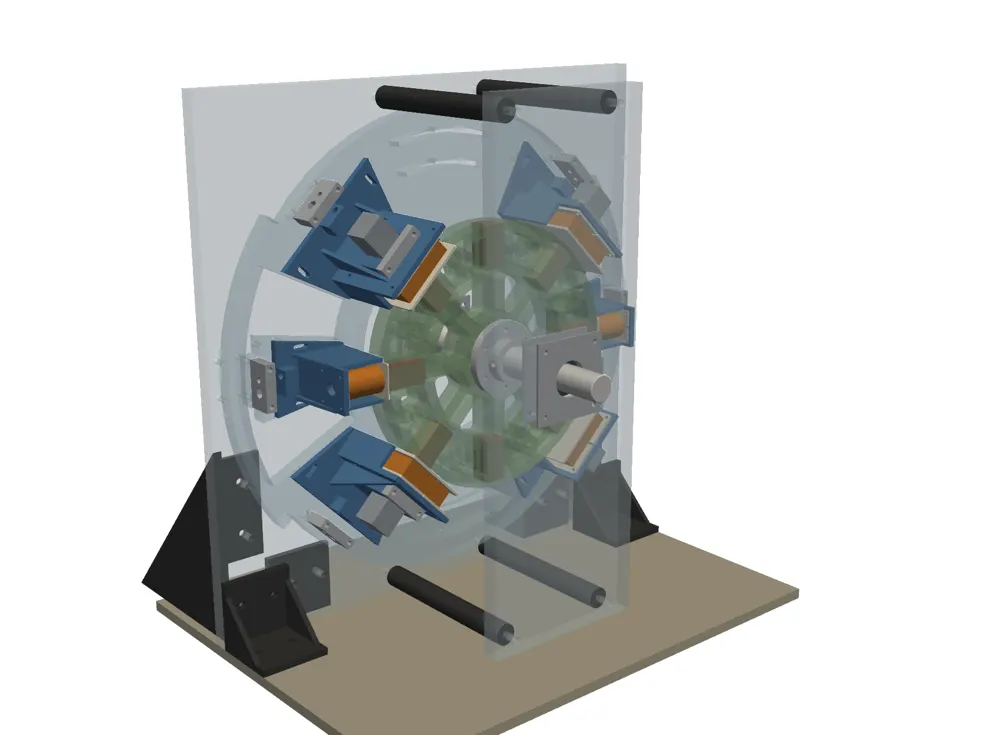
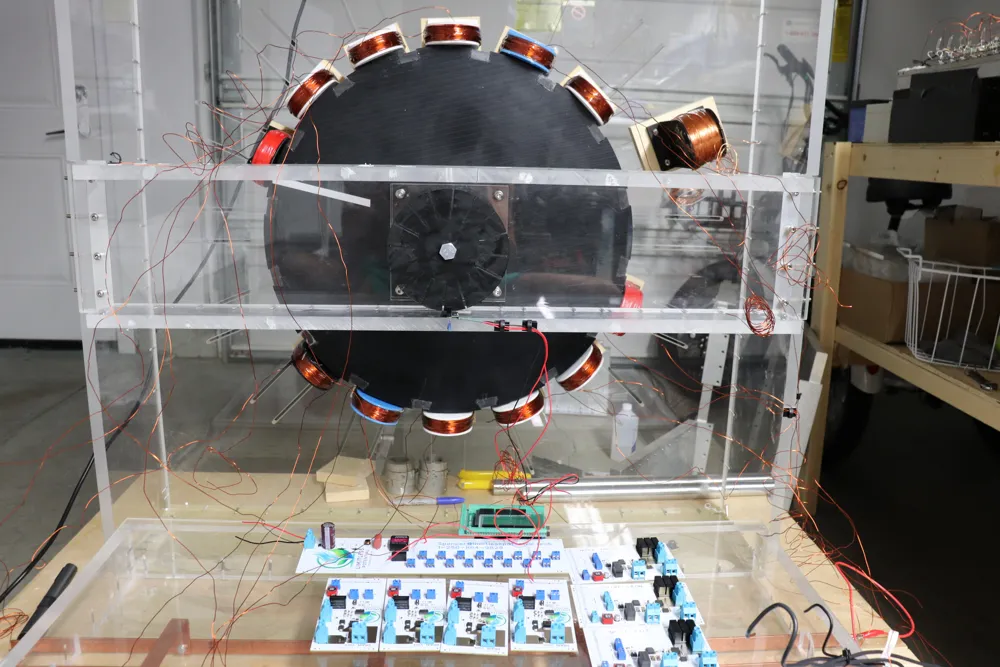
This is the generator rotor, from the drawing sheet to the CAD revision to the plate on the bench. The guide walks you through the same steps for your own parts.
Why I do this
The Limitless Membership is where we build, test and replicate it together, out in the open. When it's proven and replicated, the full instructions PDF goes to this list first, free.
Doors open in
Everyone on the email list gets the doors-open email first.

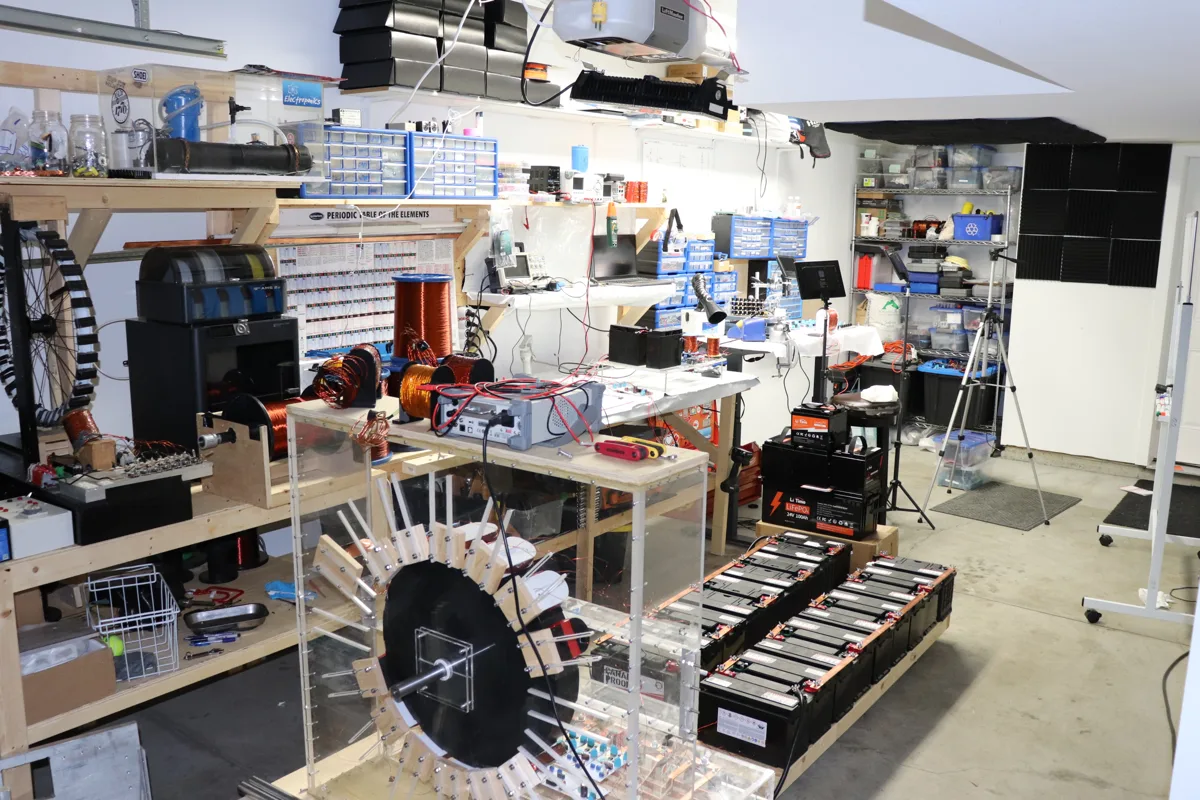
Hi, I'm Spencer Frame. I have a degree in electrical engineering and a background in physics and the trades. I started Limitless Potential Technologies with one purpose, to release free energy to the people without fear or greed. We move with faith and we will never stop.